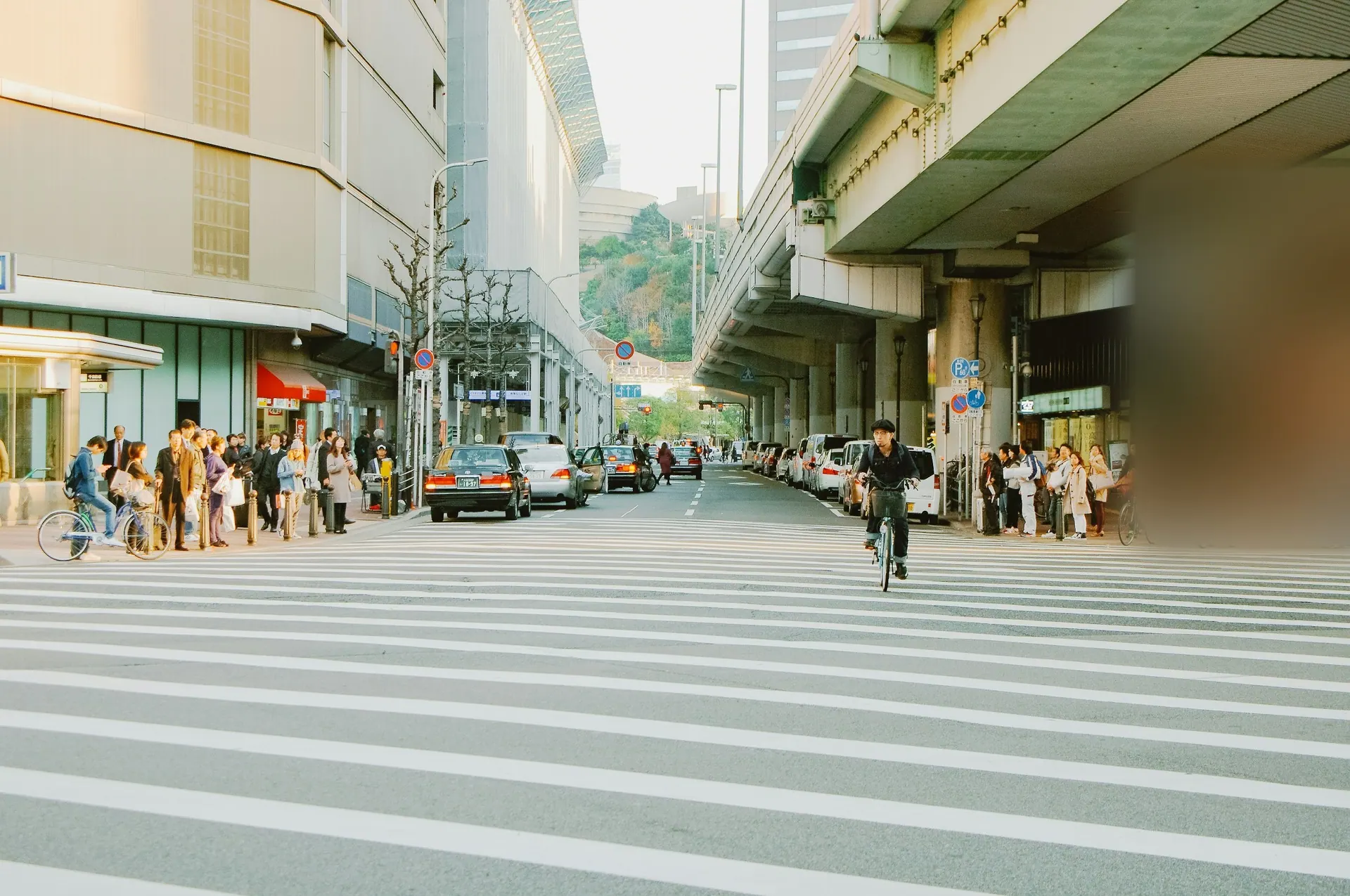
Thirteen layers on the same pixels
Every method is another layer on the same photo — from one tag for the whole picture down to every pixel and every frame. Pick the layers your model needs; we deliver them as one consistent dataset.
COCO · YOLO · Pascal VOC · CVAT · KITTI · MOT · OpenLABEL · ActivityNet · ICDAR · PAGE-XML
AI StudioINFINIQ’s own labeling environment by default — your platform when needed.
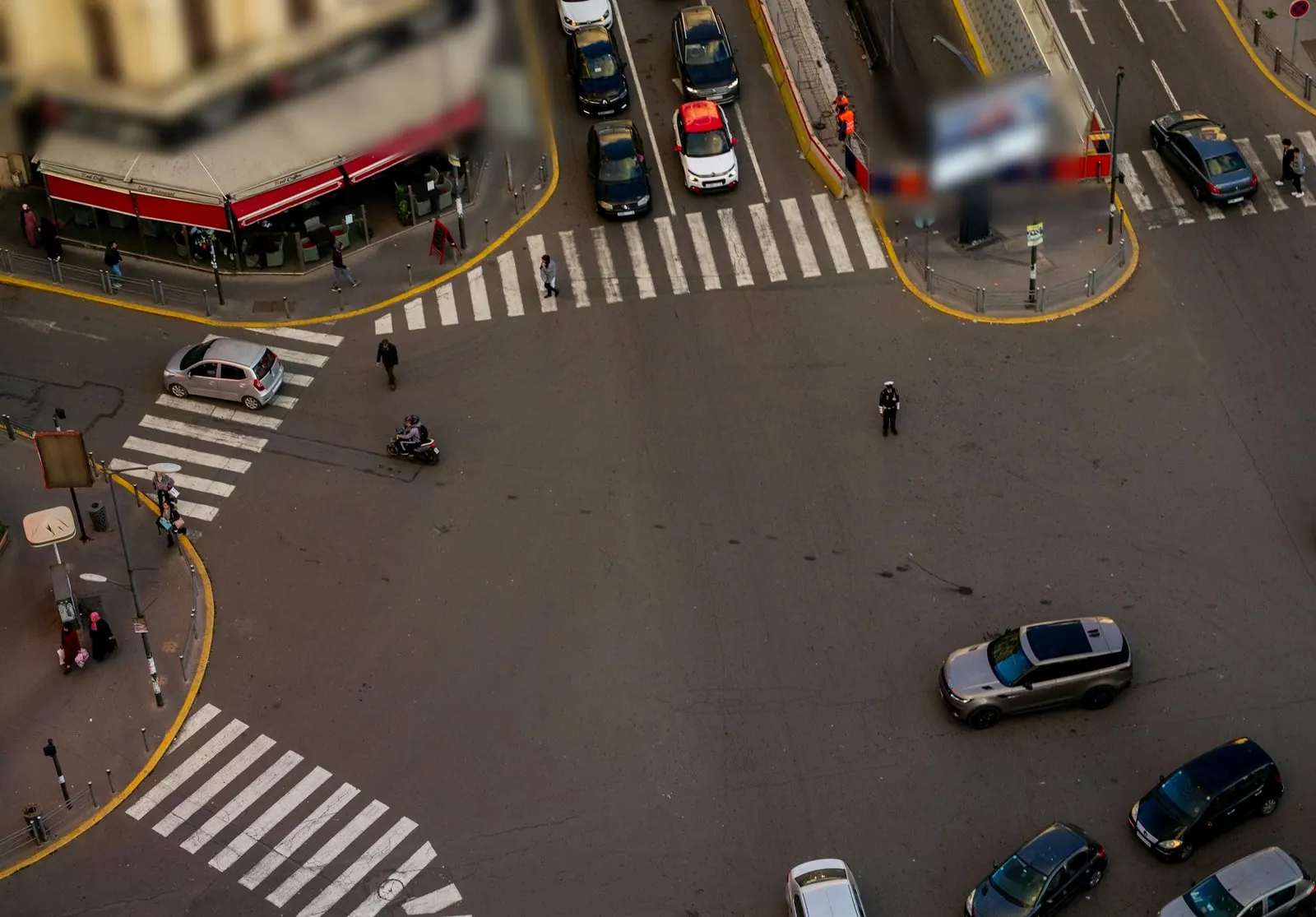
Each method as a proof
The label plate comes in, snaps into register on the photo, the method draws itself, and the notes say what the reviewer checks.
Classification & tagging
Classification & taggingClasses and tags for a whole image or clip — single or multi-label.
- 1Whole frame — no regions drawn
- 2Spray behind the cars → “rain”, not “fog”
- 3Two of three agree → majority; 1 : 1 : 1 → review
Driving scene conditions (weather, time of day, road type), content filtering, dataset curation, defect pass / fail.
Pick from the class list; unclear items are held as “cannot judge”; two or three labelers per item, majority vote.
CSV · JSON · COCO categories
drive_0412.jpg, motorway; dusk; rain; light_traffic; low_visibilityBounding boxes
Bounding boxesA tight rectangle and a class for every object.
- 1Tight to the outermost pixel, mirrors included
- 2Truck behind the car: visible part only
- 3Small traffic lights boxed too — minimum 10 px
Object detection for driving (vehicles, signals, signs), traffic counts, retail shelves, safety monitoring.
Snap to the outermost pixels; occluded objects follow the agreed rule (visible part or full extent); a minimum size is set.
COCO JSON [x, y, w, h] · YOLO txt · Pascal VOC XML
2 0.512 0.634 0.081 0.142Polygons
PolygonsObject outlines traced point by point.
- 1Side mirror inside the outline
- 2Spoiler traced; curves get denser points
- 3Ground shadow not included
Vehicle outlines and parts, irregular objects — machinery, crops, defects — and instance training data.
Vertices along the edge, denser on curves; holes as their own ring; where objects overlap, the front one wins.
COCO segmentation · YOLO-seg txt · CVAT XML
"segmentation": [[612.4, 210.8, 655.0, 198.2, …]]Semantic segmentation
Semantic segmentationEvery pixel painted by class — road, sky, building.
- 1Median strip is its own class
- 2Guardrail follows the road edge — 2 px tolerance
- 3Tree line vs sky: unsure pixels → void (255)
Drivable area, aerial and satellite maps, robot navigation.
Brush, superpixels and polygon fill in a fixed class order; doubtful edges go to “void” (ignored in training).
PNG index mask (255 = void) · Cityscapes JSON
mask_0412.png · uint8 · 0 road · 1 sidewalk · 2 buildingInstance segmentation
Instance segmentationSame class, each object its own mask and ID — car 1, car 2.
- 1Same class, its own mask and ID per car
- 2Cars side by side: the gap between masks stays empty
- 3Cut at the frame edge: truncated = 1
Counting, robot picking, people and vehicles apart.
A mask per object; overlaps belong to the front object; IDs unique in the image.
COCO JSON (polygon · RLE) · PNG instance map
{"id": 7, "category_id": 3, "iscrowd": 0, "segmentation": {RLE}}Panoptic segmentation
Panoptic segmentationBoth combined — stuff and things, the whole scene without gaps.
- 1Sky, buildings, trees, road = stuff, no ID
- 2Pickup and each car = thing with its own ID
- 3Every pixel in exactly one segment — no gaps
Whole-scene perception for driving, digital twins, mapping.
Stuff painted like semantic, things like instances; every pixel belongs to exactly one segment.
COCO panoptic (PNG id = R + 256·G + 256²·B, JSON)
"segments_info": [{"id": 3226956, "category_id": 1}]Keypoints & skeletons
Keypoints & skeletonsJoints and landmarks placed in a fixed order and linked into a skeleton.
- 1Raised elbow above the head — still “right elbow”
- 2Face seen: nose and eyes v = 2
- 3Foot hidden by the other leg → v = 1
Pose estimation, sports and rehab analysis, machine posture (boom, stick).
Points on a template (COCO 17 and others); hidden points flagged v=1, out of frame v=0.
COCO keypoints [x, y, v] × 17 · CVAT skeleton
"keypoints": [612, 288, 2, 624, 279, 2, …], "num_keypoints": 15Polylines & lanes
Polylines & lanesLanes, curbs, stop lines and cables drawn as lines.
- 1Road edge follows the painted line, not the kerb
- 2Chevron divider: one line + its type
- 3Line under a shadow: bridge the gap
Lane detection, ADAS, HD maps, rail and power-line inspection.
Points along the line with type (solid, dashed, double) and colour; whether to bridge hidden stretches is set in the guideline.
TuSimple · CULane txt · OpenLABEL poly2d
{"lanes": [[-2, 632, 610, …]], "h_samples": [240, 250, …]}3D boxes on 2D images
3D boxes on 2D imagesCuboids with a front face, depth and heading drawn on photos.
- 1Rear face first — tail lights as reference
- 2Depth towards the road’s vanishing point
- 3Heading arrow on the ground plane
Monocular 3D detection, parking, logistics loading, robot grasping.
Front (or rear) face first, depth towards the vanishing point, then heading; truncation and occlusion flagged.
KITTI label txt (size · location · rotation_y) · OpenLABEL cuboid
Car 0.00 0 -1.58 587.0 173.3 614.1 200.1 1.65 1.67 3.64 -0.65 1.71 46.70 -1.59Object tracking
Object trackingThe same ID for the same object across frames.
- 1ID 7 keeps its number behind ID 11
- 2Walking left: keyframe every 10 frames
- 3Interpolated frames checked, drift fixed
Traffic counts, footfall, store paths, sports, motion prediction.
Boxes on keyframes, interpolation in between, only drifting frames fixed; an object that reappears keeps its ID.
MOT Challenge txt · CVAT video XML
412, 7, 812.0, 301.5, 64.2, 148.9, 1, 1, 0.92Action & event segments
Action & event segmentsStart and end of an action or event in a video — “dump”, “fall”, “intrusion”.
- 1Strike = first frame the shoe touches
- 2Rear foot in the air: flight continues
- 3Boundary tolerance ± 2 frames (≈ 0.07 s)
Safety monitoring, work analysis, sports highlights, action recognition.
Start and end frames on the timeline; overlapping events and a minimum length follow the guideline.
ActivityNet-style JSON · CSV · ELAN
{"label": "flight", "segment": [0.35, 0.72]}OCR & text regions
OCR & text regionsText regions found and transcribed exactly — VI · EN · KO · JA.
- 1Mixed case kept: “W Belmont Av”
- 2One region per line
- 3Sign in the distance: still transcribed
Signs, street names, plates, documents and receipts.
Word or line regions (curved text as polygons), tone marks and diacritics typed as written, unreadable text marked ###.
ICDAR txt · PAGE-XML · COCO-Text
1070,1075,1411,1021,1416,1107,1075,1161,W Belmont AvAttributes
AttributesColour, occlusion, state and more on each object.
- 1Signal state read from the lit lamp
- 2Brake light “on” only when lit, not a reflection
- 3Pedestrian on the crossing: crossing = yes
Driving: brake lights, view and occlusion of vehicles, pedestrians crossing, signal state; also shelf state.
Select the object, then values from fixed lists; occlusion in steps (0 · up to 50% · over 50%).
COCO / CVAT attributes · JSON
{"class": "traffic_light", "state": "red"}, {"class": "suv", "brake_light": "on", "view": "rear"}Guideline, pilot, production, inspection
A sample project: the pilot is reviewed in full, then volume rises while review moves to sampling. Figures are an example.
Classes, edge rules and exceptions agreed on your sample data; a case book v1.0.
OutputGuideline · case book500 items labeled and reviewed in full; gold-set score and an error report; the guideline is revised.
OutputPilot reportLabelers who pass the guideline test; model pre-labels corrected by people; AI Studio by default, your platform when needed.
OutputBatches in your formatCross-review, hidden gold items, AQL sampling inspection and the method’s own measure — IoU, mIoU, OKS, IDF1, CER.
OutputQA report · rework on failBefore the first batch
Do you label every frame of a video?
No. People draw keyframes and the frames between are interpolated; keyframes are added where motion changes and only drifting frames are fixed. The sampling rate is agreed first.
Do you use model pre-labels?
Yes — from your model or an open model — and people correct and review them against the same pass line as hand-drawn labels.
Which tools do you work in?
By default in AI Studio, INFINIQ’s own labeling environment — and in your platform (your tool, CVAT, Label Studio and others) when needed.
Which formats do you deliver?
COCO, YOLO, Pascal VOC, CVAT, KITTI, MOT, OpenLABEL, ICDAR, PAGE-XML — or your own schema — with the QA report.
Which languages can you transcribe?
Vietnamese, English, Korean and Japanese — tone marks and diacritics typed exactly as written.
What about faces and licence plates?
They can be de-identified before labeling, and the work runs in a secure zone — under the law that applies to the project: (VN) Law 91/2025/QH15 · Decree 356/2025/NĐ-CP, (KR) PIPA, (JP) APPI, (EU · UK) GDPR, (US) CCPA.
What is the smallest way to start?
A paid pilot of 500 items: guideline agreed, labeled, reviewed in full, with the gold-set score and an error report.
Can we order several methods on the same images?
Yes. Each method is another layer on the same photo — from a whole-image tag down to every pixel and frame — and the layers you choose are delivered as one consistent dataset.
How are occluded and very small objects handled?
The guideline settles it before work: occluded objects follow the agreed rule (visible part or full extent), a minimum size is set, and doubtful edge pixels go to “void” in segmentation.
How fast can volume grow after the pilot?
In a sample project the team grew from 24 to 60 labelers after the pilot, while review moved from full checks to AQL 1.0 sampling. The pace is agreed per project.