
Every joint around NFFICE
What flows in, what flows out, and how often, for each system a company usually runs.
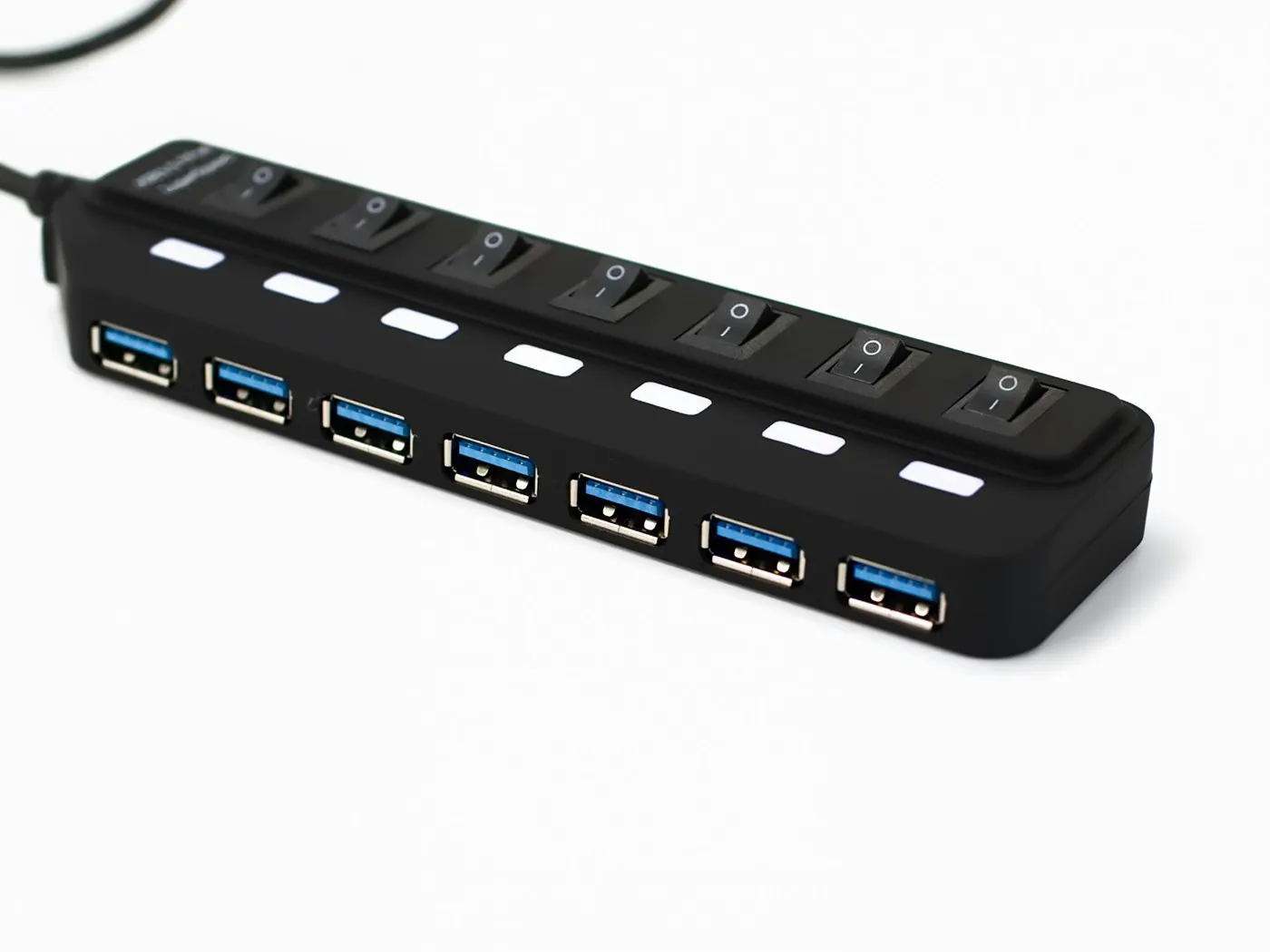 NFFICE01HQ ERP0102IdP0203HR · payroll0304Time clocks0405E-invoice0506Bank0607Mail · meet07One port = one system · each cable runs at its own rhythm
- 01HQ ERPLive + nightly
INCost centres, projects, vendors, PO numbers
OUTApproved expenses and purchases, mapped trial balance
- 02Identity providerEach sign-in
INSign-in, groups, joiners and leavers
OUTSign-in records for audit
- 03HR & payrollDaily · month-end
INEmployees, positions, org changes
OUTApproved leave, overtime, attendance
- 04Time terminalsScheduled file
INClock-ins from devices already on site
OUTNothing; read only
- 05E-invoice providerPer document
INIncoming supplier invoices
OUTInvoices issued on delivery
- 06BanksDaily
INStatements
OUTPayment files
- 07Mail & meetingsLive
INGoogle or Microsoft mailboxes
OUTZoom or Google Meet links
ERP master data inside NFFICE forms
Company-specific fields read live lists from your systems, so nobody types a code by hand.
- CC-SE-1101
- CC-SE-1102
- CC-SE-1180
- CC-HP-205
- CC-HP-210
- CC-HP-214
- CC-NG-301
- CC-NG-305
- CC-FR-410
- CC-FR-412
- CC-AT-501
- CC-AT-507
- PJ-26-018
- PJ-26-031
- PJ-26-044
- V-30402
- V-30418
- V-30455
- E-2190
- E-2207
- E-2233
- AS-04398
- AS-04412
- AS-04420
- CC-SE-1101
- CC-SE-1102
- CC-SE-1180
- CC-HP-205
- CC-HP-210
- CC-HP-214
- CC-NG-301
- CC-NG-305
- CC-FR-410
- CC-FR-412
- CC-AT-501
- CC-AT-507
- PJ-26-018
- PJ-26-031
- PJ-26-044
- V-30402
- V-30418
- V-30455
- E-2190
- E-2207
- E-2233
- AS-04398
- AS-04412
- AS-04420
- Cost centreHQ ERPHP-PRD-210 · Hai Phong production▾
Only open centres of the drafter’s entity
- Project / WBSHQ ERPPJ-26-031 · 42% budget left▾
Budget left shown before submit
- VendorERP vendor masterV-30418 · tax code checked▾
Tax code checked; blocked vendors hidden
- Employee & gradeHR masterE-2207 · grade M2 → per diem B▾
Grade sets per diem and approval band
- Asset numberAsset registerAS-04412 · press line 3▾
Repair requests tied to the asset
From approval to an ERP entry
Five hand-offs between NFFICE and the HQ ERP, each with a status you can see.

Daebong Hai Phong · client dinner
VND 4,800,000
LocalLocal account under VAS
HQHQ account Entertainment, in KRW at the day’s rate
ERP document 5100004127 returned
✓Count and amount checked on both sides every day.
- 01Approved
An expense or purchase closes with its rule version.
- 02Mapped
Local accounts mapped to the HQ chart once and reused every time.
- 03Sent
Fields and attachments sent by API or by file.
- 04Posted
The ERP returns its document number to NFFICE.
- 05Reconciled
Count and amount checked on both sides every day.
One company account for every login
NFFICE joins the identity provider HQ already runs, from first day to last.
- Microsoft & Google sign-in
Staff use the account they already have, in Entra ID or Google Workspace.
- SAML 2.0 · OpenID Connect
Other providers such as Okta or Keycloak joined by standard protocol.
- Provisioning
Joiners created and leavers blocked from HR or the IdP; SCIM 2.0 where the IdP offers it.
- Groups to roles
IdP groups mapped to NFFICE roles and entity scope.
- Extra checks
Two-step verification, password policy and an IP allow-list on top.
group Finance-HP → role Finance · entity Hai Phong
HR records and payroll, joined up
Org changes flow in, approved time flows out, and payroll lands in the books.
- Org sync
Transfers and dual roles in the HR master update the org chart and approval lines.
- Terminal import
Clock-ins from terminals already on site imported on a schedule.
- Approved time
Leave and overtime approved in Groupware update attendance.
- Salary journal
An approved run posts to NFFICE Finance or is exported to your accounting system.
- Statutory filing
VN social insurance through a licensed I-VAN provider; KR four insurances by EDI file (example).
E-invoice routes by country
Each entity issues and receives through its own country’s channel; NFFICE keeps the link to the deal.
- VNNFFICECertified providerTax authority codeBuyer
- KRNFFICEASP · ERPNTS by next dayBuyer
- JPNFFICEQualified invoice · T no.Peppol JP PINTCustomer
- DENFFICEEN 16931XRechnung · ZUGFeRDRecipient
- USNFFICENo federal mandatePDF · EDICustomer
- VNVietnam
Your existing e-invoice provider; issued on delivery confirmation under Decree 254/2026 and Circular 91/2026.
- KRKorea
E-tax invoice through an ASP or the ERP, sent to the NTS by the next day.
- JPJapan
Qualified invoice with a T-number; Peppol (JP PINT) where partners use it.
- DEGermany
EN 16931 (XRechnung, ZUGFeRD): receiving required since 2025, issuing phased in over 2027–28.
- USUnited States
No federal mandate; PDF or EDI per customer, sales tax by state.
Incoming VNIncoming Vietnamese invoices get a suggested account and a confidence score before anyone posts them.
Payment files and statements matched
A payment file goes to the bank; the statement comes back and closes open payables.
- Vietnam→←
Bank Open API under Circular 64/2024/TT-NHNN, or host-to-host files
- Korea→←
Firm banking and CMS transfer files
- Japan→←
Zengin-format transfer files; ZEDI remittance data
- EU (SEPA)→←
ISO 20022 pain.001 out, camt.053 statements in
- United States→←
NACHA ACH files; BAI2 statements
A different partner system per entity
One NFFICE, routed to each entity’s own ERP, accounting and invoice channel.
Each clock is one entity: its own hours, its own partner systems, one NFFICE behind them.
- SAP S/4HANA
- Entra ID
- e-tax invoice ASP
- Local accounting package
- VN e-invoice provider
- bank Open API
- Japanese accounting package
- Zengin files
- JP PINT
- HQ SAP company code
- SEPA camt.053
- XRechnung
- US payroll provider
- NACHA ACH
- sales-tax engine
Routing is a setting per entity, not separate code.
What every interface spec pins down
Agreed in writing before build, so both teams test against the same contract.

- 01Fields & codesCost centre CC-HP-210KOSTL 4100210✓
Each field, its format and the code lists on both sides.
- 02MethodREST API · webhookOData endpoint✓
REST API for live calls, webhooks for events, SFTP / CSV for batches.
- 03Frequency & volumeLive · month-end up to 3,000 linesLoad-tested at the same cap✓
e.g. 3,000 expense lines at the month-end peak (example).
- 04DuplicatesIdempotency key EXP-26-0412Same key posts once✓
An idempotency key per document, so a resend never posts twice.
- 05Failure handling3 retries · alert within 15 minError-code list returned✓
Automatic retry, then an alert within 15 minutes (example).
- 06SecuritySigned webhook · TLS 1.2+Scoped API key · IP allow-list✓
Signed webhooks, scoped API keys, TLS and an IP allow-list.
- 07OwnersIntegration lead Lee Min-jiHQ IT Tran Minh✓
A named owner on each side for changes and incidents.
Measure before we cut
Each requirement is marked standard, setting, extension, link or roadmap before any work starts.
- Standard
NFFICE already does it; we show where.
e.g. Approved leave appearing on the team calendar
22 - Setting
Admin settings and tables, no code.
e.g. Director added to purchase requests above VND 10M
25 - Extension
Built at an extension point, kept apart from the product core.
e.g. Trip request that works out per diem by city grade
9 - Link
Data exchanged with a system you already run.
e.g. Cost centres read from the HQ ERP
6 - Roadmap
Useful to every customer, so proposed to the NFFICE product team.
e.g. A standard report many companies ask for
2
Hanmaru Electronics · Seoul HQ with a Hai Phong entity
Your paper forms, rebuilt in NFFICE
Ready-made forms are edited by admins; calculations and lookups are added only where needed.
- Text, amount, date
Admins add and reorder fields without code.
Setting - Attachment & table
Quotes, photos and item lines kept with the document.
Setting - Print layout
Stamped PDF in the entity’s format with department and corporate seals.
Setting - Embedded calculation
Per diem, tax, exchange or allowance worked out inside the form.
Extension - Conditional sections
An overseas trip shows visa and insurance fields; a domestic one does not.
Extension - Master-data lookup
Vendor, project or cost centre picked from a live list.
Link
Hai Phong → Nagoya, 4 nights · city grade A
Per diem JPY 9,000 × 5 days = JPY 45,000, shown in VND at today’s rate
Visa and travel-insurance fields appear because the trip is abroad
Delegation rules as approval lines
HQ writes the table once; the line builds itself from form, amount and department.
- Up to VND 10M → team lead, final
- Up to VND 200M → team lead, finance in consensus, director
- Above VND 200M → + general director, HQ in reference
- Amount bands
Bands include their boundary: “up to VND 40M” means VND 40M too.
- Consensus & reference
Finance and legal agree in sequence or in parallel; others receive a copy.
- Delegated final approval
A team lead closes small amounts as final approver.
- Proxy & post-approval
A deputy signs during leave; the owner reviews afterwards.
- Rule versions
Each change starts on a date; past documents keep the version they were signed under.
- Company-specific step
A step the standard lacks, such as a safety officer for chemical purchases, built as an extension.
Screens shaped around the work
Fields, lists, home widgets and the phone layout follow how each team works.
TeamProduction 1
GradeM2
Joined2024-03-04
Safety licence no.SC-2291-HPadded
PR-1031Safety boots × 12012.4M
PR-1029Gloves × 4003.2M
PR-1024Press oil 200 L8.9M
Approvals3
Schedule2
Notices1
Clock-in09:02
Safety rounds2 today
Continue with company account
Colours and logo per entity
Per diem45,000 JPY
ApproverTeam lead
over the set limit (example)
Confirm with fingerprint
- Extra fields on records
Safety licence number on the employee record, Incoterm on the quote.
- List views
Saved filters and columns per team, e.g. open purchase requests by site.
- Home widgets
Approvals, schedule, notices and attendance, plus a company tile.
- Company look
Logo, colours, login screen and branding per entity.
- Phone layout
Custom forms rearranged for one-hand approval.
- High-value confirmation
Biometric confirmation on the phone above an amount you set.
Reports in the shape HQ asks for
Standard templates first; the rest drawn to your HQ’s own layout and timing.
- Monthly headcount by entityJoiners, leavers and transfers in the HQ grade system.1st working day
- Overtime against limitsHours per person against each country’s cap.Weekly
- Spend by cost centreApproved expenses and purchases in local and HQ currency.Monthly
- Pipeline in HQ currencyDeals at transaction-date, average or closing rate.Weekly
- Approval lead timeDays from draft to final approval, per form and step.Monthly
Reports export to Excel or PDF and can be mailed to HQ on a schedule.
Rules for what must not be missed
Web, push and mail alerts per type, plus reminders written for your own deadlines.
 010203040506A circled date = one rule · it speaks up before the deadline
- 01 · day 7Approval waiting 24 h (example)
Push to the approver, then a mail to the drafter’s manager.
Push · mail - 02 · day 13Contract ends in 30 days
Owner and HR notified; renewal form pre-filled.
Mail - 03 · day 14Work permit nearing expiry
HR and the expatriate’s manager alerted in that entity.
Mail - 04 · day 21Budget 90% used
Cost-centre owner warned before the next request.
Web · mail - 05 · day 22Overtime near the monthly cap
Employee and lead warned before the next request is approved.
Push - 06 · day 28Interface failed twice
Admin alerted with the document number and the error.
Mail
NFFICE customization questions
How much can be changed without any development?
Organisation, roles, form fields, approval bands, holidays, notifications and branding are settings. In a typical fit-gap most requirements land there (example).
Our HQ runs SAP, Oracle or Dynamics. Can NFFICE talk to it?
Yes, through the ERP’s own APIs or an agreed file exchange. Which records and fields move is fixed in the interface spec after the fit-gap.
Can our paper forms keep their exact layout?
Fields and their order, yes. The printed PDF follows your layout and carries department and corporate seals.
Can staff sign in with our Entra ID?
Yes. Microsoft and Google sign-in are available, other providers join over SAML 2.0 or OpenID Connect, and IdP groups can map to NFFICE roles.
What happens when the ERP is down for maintenance?
Documents wait in NFFICE, retry automatically when the ERP is back and show on the status screen. Nothing is lost and nothing posts twice.
Which e-invoice provider do we use in Vietnam?
The one your entity already uses. NFFICE connects to it, so invoice templates, number series and the provider contract stay as they are.
Who updates a custom form when our regulations change?
Field and band changes are admin settings your team can make. A new calculation or approval step comes to us as a small change request, effective from the date you choose.
How is an integration tested before go-live?
Against the partner system’s test environment with cases from the spec: normal, duplicate, failure and month-end volume. Both owners sign off.
How are custom features priced?
Standard approval forms and report templates come with the subscription. Custom forms with embedded calculations and new integrations are quoted per item after the fit-gap.
Can a feature we ask for become part of the product?
If many customers need it, we propose it to the NFFICE product team. Once it ships as standard, your custom version can be retired.